- How to Start Streaming on Twitch: A Strategic Blueprint for Brands
- Laying the Foundation: Your Essential Twitch Streaming Setup
- The Core Hardware: Beyond the Basics
- Choosing Your Broadcasting Software
- Configuring Your First Stream: Technical Steps to Success
- Setting Up Your Twitch Channel
- Mastering Your Broadcasting Software
- Beyond the Basics: How to Grow and Monetize on Twitch
- Content Strategy and Consistency
- The Path to Monetization
- Engaging Your Community
- Building Your Brand Beyond Twitch
How to Start Streaming on Twitch: A Strategic Blueprint for Brands
Learning how to start streaming on Twitch is no longer just a pursuit for aspiring gamers; it’s a powerful strategic move for businesses aiming to build authentic communities and engage with a highly active audience. The platform has evolved far beyond its gaming roots, becoming a dynamic hub for everything from live product demos and Q&A sessions to creative workshops and industry commentary. With over 35 million daily active visitors, according to Twitch’s own data, ignoring this channel means leaving a massive, untapped market on the table. This is your blueprint for launching a professional, brand-aligned Twitch stream that captivates and converts.
Laying the Foundation: Your Essential Twitch Streaming Setup
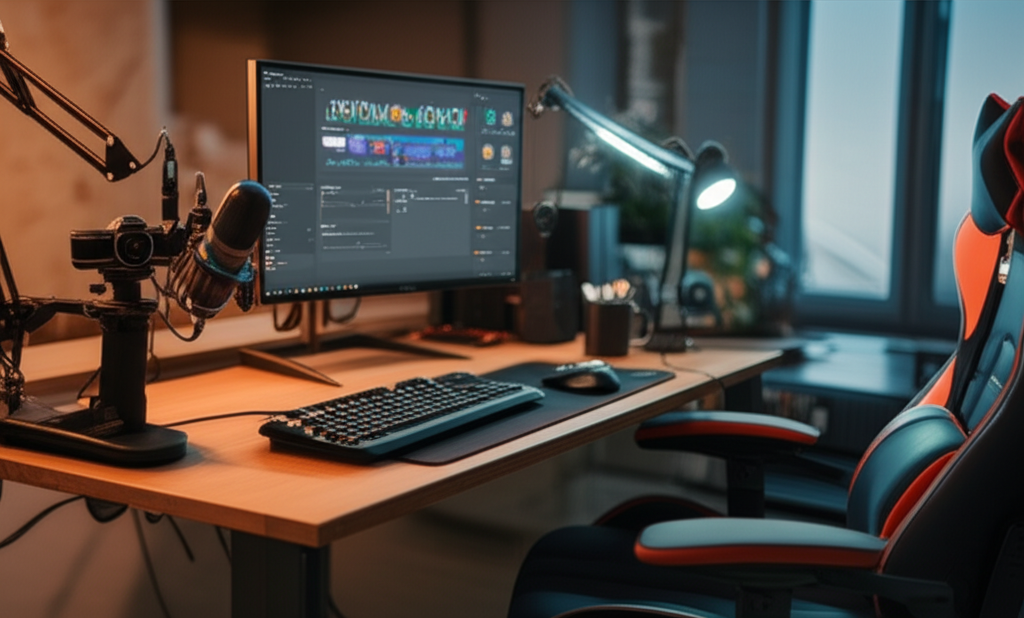
Before you can go live, you need the right tools. While you can technically start with a basic laptop and headset, a professional broadcast demands a more considered approach. Your investment here directly impacts the viewer’s experience and, by extension, their perception of your brand.
The Core Hardware: Beyond the Basics
Think of your hardware as the stage for your performance. A shaky stage or poor lighting immediately signals amateurism.
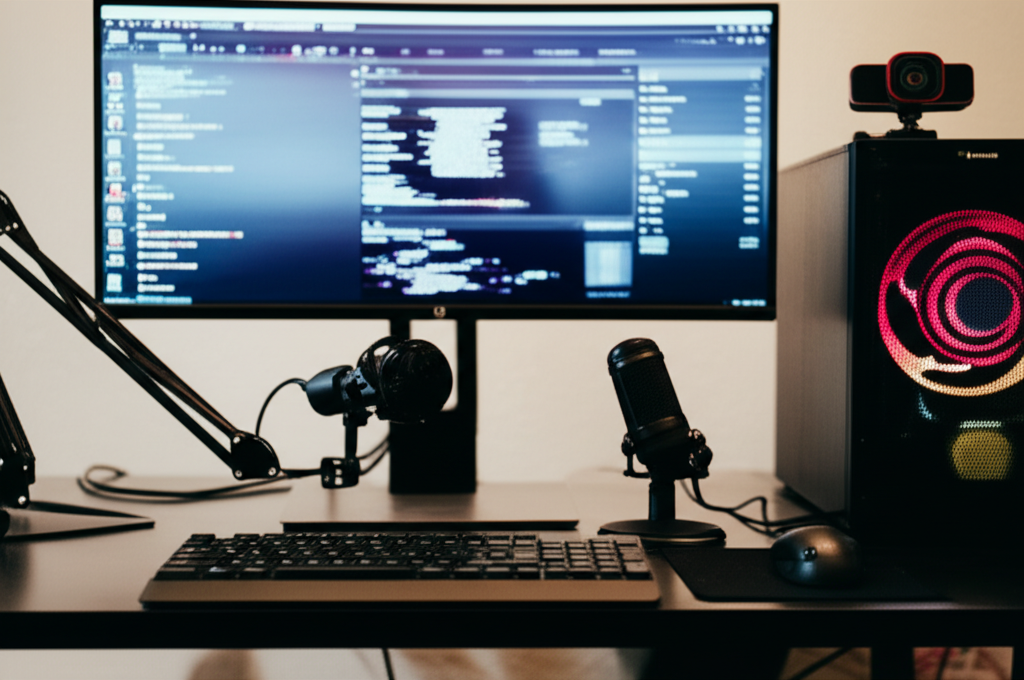
A Capable Computer: This is the engine of your stream. Your PC or Mac needs to handle your content (whether it’s software, a presentation, or a game) while simultaneously encoding and broadcasting the video feed. Prioritize a modern multi-core processor (CPU) and a dedicated graphics card (GPU) to avoid lag and dropped frames. 8GB of RAM is the absolute minimum, but 16GB or more is strongly recommended for a smooth operation.
High-Quality Audio: This is non-negotiable. Viewers will forgive mediocre video, but they will not tolerate poor audio. A standalone USB microphone like a Blue Yeti or Rode NT-USB+ is a significant upgrade over any built-in or headset mic. For the highest quality, an XLR microphone setup offers superior clarity and control, establishing an authoritative and professional sound for your brand.
A Clear Webcam: Your face connects you to your audience. A standard 1080p webcam, such as a Logitech C920, is a great starting point. However, to truly elevate your visual brand, consider using a mirrorless or DSLR camera as your webcam via a capture card. The difference in image quality, depth of field, and low-light performance is dramatic.
Professional Lighting: Good lighting is the secret ingredient that separates polished streams from dimly lit, grainy broadcasts. A simple three-point lighting setup (a key light, fill light, and backlight) will make you and your products look crisp and professional. Affordable LED ring lights or panel lights are excellent for this purpose.
Choosing Your Broadcasting Software
Your broadcasting software is your command center. It’s where you combine your camera, microphone, screen share, and graphic overlays into a single, cohesive broadcast.
OBS Studio: The undisputed industry standard. It’s free, open-source, and incredibly powerful. While it has a steeper learning curve, its level of customization is unmatched, allowing you to create a truly unique and branded stream layout. You can find the official download and extensive documentation on the OBS Project website.
Streamlabs Desktop: Built on the OBS foundation, Streamlabs offers a more user-friendly interface with integrated features like alert boxes, chat management, and themes. It’s an excellent choice for those who want a quicker setup without sacrificing too much functionality.
Twitch Studio: Twitch’s own software is designed for absolute beginners. It offers a guided setup and is the fastest way to get from zero to live, but it lacks the advanced customization options that a growing brand will eventually need.
Configuring Your First Stream: Technical Steps to Success
With your gear in place, the next phase is configuring your channel and software. This is where you infuse your brand’s identity into your broadcast.
Setting Up Your Twitch Channel
Your Twitch channel is your digital storefront. It needs to be professional, informative, and consistent with your overall brand identity.
Username and Profile: Choose a username that is instantly recognizable and aligned with your business name.
Channel Page Customization: This is crucial for brand building. Use the “Panels” section below your stream to add a bio, links to your website, social media profiles, and a clear description of what your stream is about. These graphics should match your brand’s visual style. Crafting a suite of professional, on-brand assets—from banners to offline screens—is essential for making a strong first impression. If you need a cohesive visual identity, investing in professional web and graphic design ensures consistency across all your digital touchpoints.
Mastering Your Broadcasting Software
Using OBS Studio as the example, here are the key steps to prepare for your first broadcast:
1. Connect Your Account: In OBS, navigate to Settings > Stream and connect your Twitch account. This automatically configures the software to broadcast to your channel, eliminating the need to manually copy and paste a stream key.
2. Create Your Scenes: A “scene” is a specific layout of sources. At a minimum, create three:
Starting Soon: A countdown timer, music, and your logo.
Main Scene: Your primary content, including your webcam, microphone audio, and screen/application capture.
Be Right Back / Ending: A simple screen to use for breaks or to wrap up the stream.
3. Optimize Your Settings: In the Settings > Output and Video tabs, you’ll configure your stream’s technical quality. For a good balance, start with a video bitrate of 4500-6000 Kbps, an output resolution of 1080p (1920×1080), and a frame rate of 30 or 60 FPS. Always run a bandwidth test to ensure your internet upload speed can handle your chosen settings.
Beyond the Basics: How to Grow and Monetize on Twitch
Going live is just the beginning. The real work lies in creating compelling content and fostering a community that keeps coming back.
Content Strategy and Consistency
Success on Twitch is built on consistency. Create a predictable schedule and stick to it, allowing your audience to know exactly when to tune in. More importantly, define your content niche. While gaming is still king, the “Just Chatting” category is often the most-watched. Brands can excel here with expert Q&As, behind-the-scenes looks, or industry talk shows. Categories like “Art,” “Music,” and “Software and Game Development” also present huge opportunities for businesses to showcase their expertise and products in an interactive format.
The Path to Monetization
Twitch provides a clear path for creators to earn revenue through its Affiliate and Partner programs.
Twitch Affiliate: The first step, requiring at least 50 followers, 8 hours streamed over 7 different days, and an average of 3 concurrent viewers. Once achieved, you can earn from subscriptions, Bits (a virtual currency), and a share of ad revenue.
Twitch Partner: The top tier, with more stringent requirements but greater benefits, including more emote slots, custom cheermotes, and increased support.
Engaging Your Community
Twitch is a two-way street. The most successful channels are those where the creator actively engages with their audience.
Acknowledge Your Chat: Read and respond to messages in real-time. Make your viewers feel seen and heard.
Utilize Channel Tools: Use features like Channel Point Rewards and Polls to give your audience a way to interact directly with the stream.
* Build an Off-Platform Hub: Create a Discord server or a dedicated social media group to keep the conversation going even when you’re not live.
Building Your Brand Beyond Twitch
Twitch is a phenomenal tool for community engagement, but it should be one component of a larger, integrated digital marketing strategy. The audience you build on Twitch needs a central hub—a professional website—to learn more about your services, purchase products, and fully connect with your brand. A cohesive strategy ensures that the engagement you foster on-stream translates into tangible business growth.
To ensure your Twitch presence integrates seamlessly with your overall brand strategy, from asset creation to digital marketing, consult the experts at Rank Raptor.